 Bulk Rename
The problem it solves
Camera files called IMG_4821. Scans named Document (37). A client folder where every file starts with the wrong project code. Fixing those one at a time is slow and boring, and boring is how mistakes happen.
Bulk Rename applies the same rules to every file in a folder at once, and shows you the result before it touches anything. I also have a desktop renamer written in AutoHotkey; this is its browser cousin.
How it works
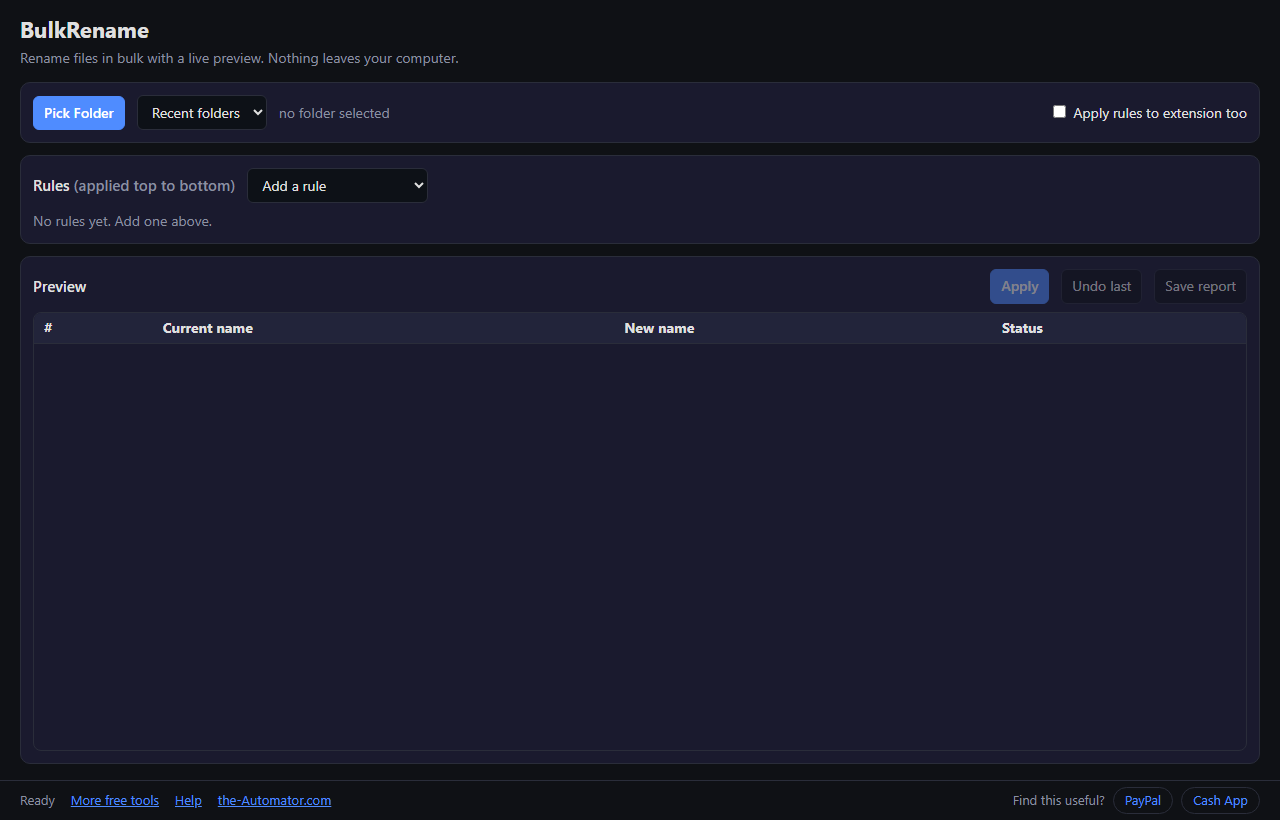
- Pick a folder. Your browser asks permission to edit files in that one folder.
- Add a rule from the list, for example find and replace, or numbering.
- Read the preview. The New name column is exactly what you'll get. Problems are flagged before you can apply.
- Press Apply. Changed your mind? Undo last puts the old names back.
The rules
Find and replace: swap one piece of text for another. Tick regex for pattern matching, or match case to be picky.
Add prefix / Add suffix: put text at the start or end of the name.
Numbering: number files in order, with a start value, step, number of digits (001, 002) and separator, before or after the name.
Change case: lowercase, UPPERCASE, Title Case or Sentence case. Remove characters: strip the first N, the last N, or N from a position.
Date stamp: add each file's modified date, like 2026-09-05 or 20260905.
Rules run top to bottom, each working on the result of the one before. If the preview looks off, the order is usually why. Drag them around until it's right.
Built to not wreck your files
The preview blocks anything Windows won't accept: illegal characters, reserved names, a trailing dot or space, and two files ending up with the same name. Your extensions are left alone unless you tick Apply rules to extension too.
Every batch is logged before a single file moves. If the tab crashes halfway, the next visit offers to undo it. And Save report gives you a list of every old and new name.
Why I ask for your email
Not because of your files. The browser renames them right where they sit on your computer. Nothing is uploaded and I never see your file names.
The email lets me know who's using the tool, and I might send you a note now and then about other free tools I build. I will never sell or give your email to anyone else.
Questions people ask
Is it free?
Yes. No limits on how many times you use it.
Which browser do I need?
Desktop Chrome or Edge, version 114 or newer. Other browsers can't rename files from a web page, so you'll see a message instead.
Can I undo a rename?
Yes. Undo last restores the previous names. On a folder you can't replace, a quick copy first is still smart.
Why does it ask for folder permission?
A web page can't touch your files unless you grant access to one folder. That prompt is the browser protecting you.
Does it rename subfolders or files inside them?
No. It works on the files in the folder you pick. Subfolders are left alone.
How many files can it handle?
Up to 5,000 files in one folder.